
Your day in water
From an empty tank
to full bloom.
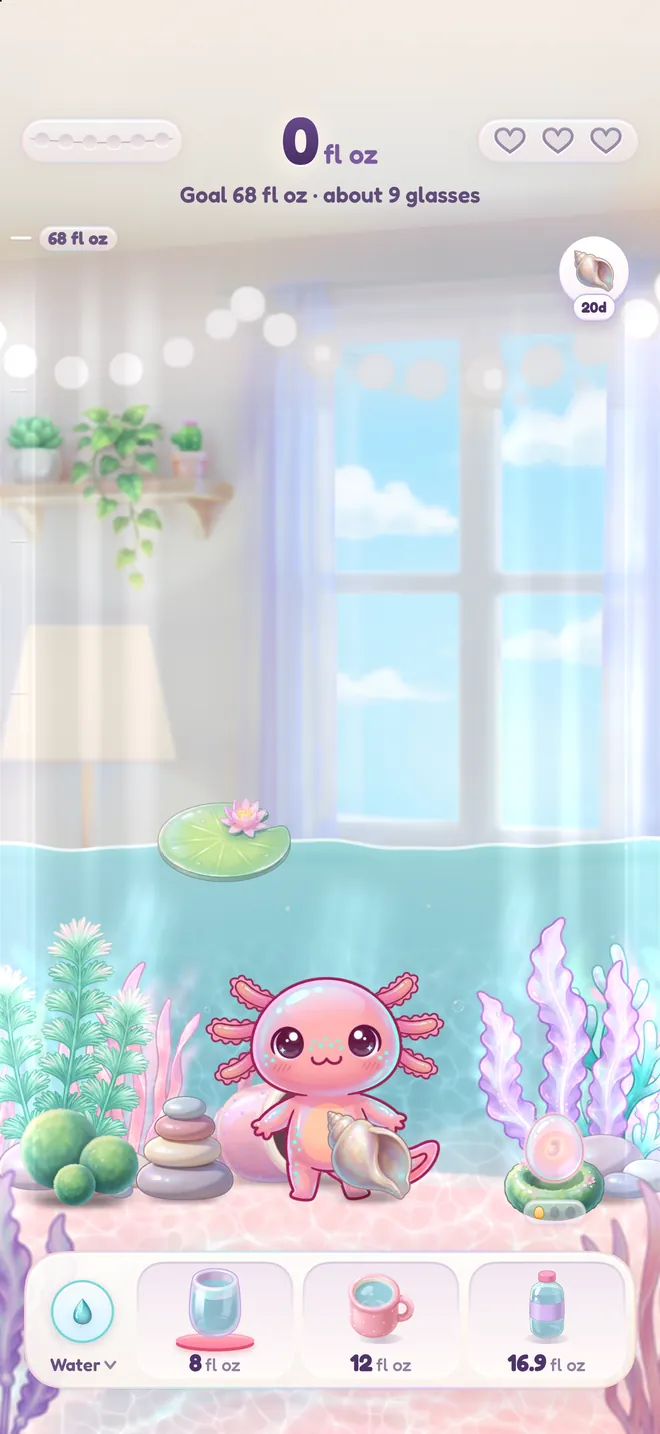
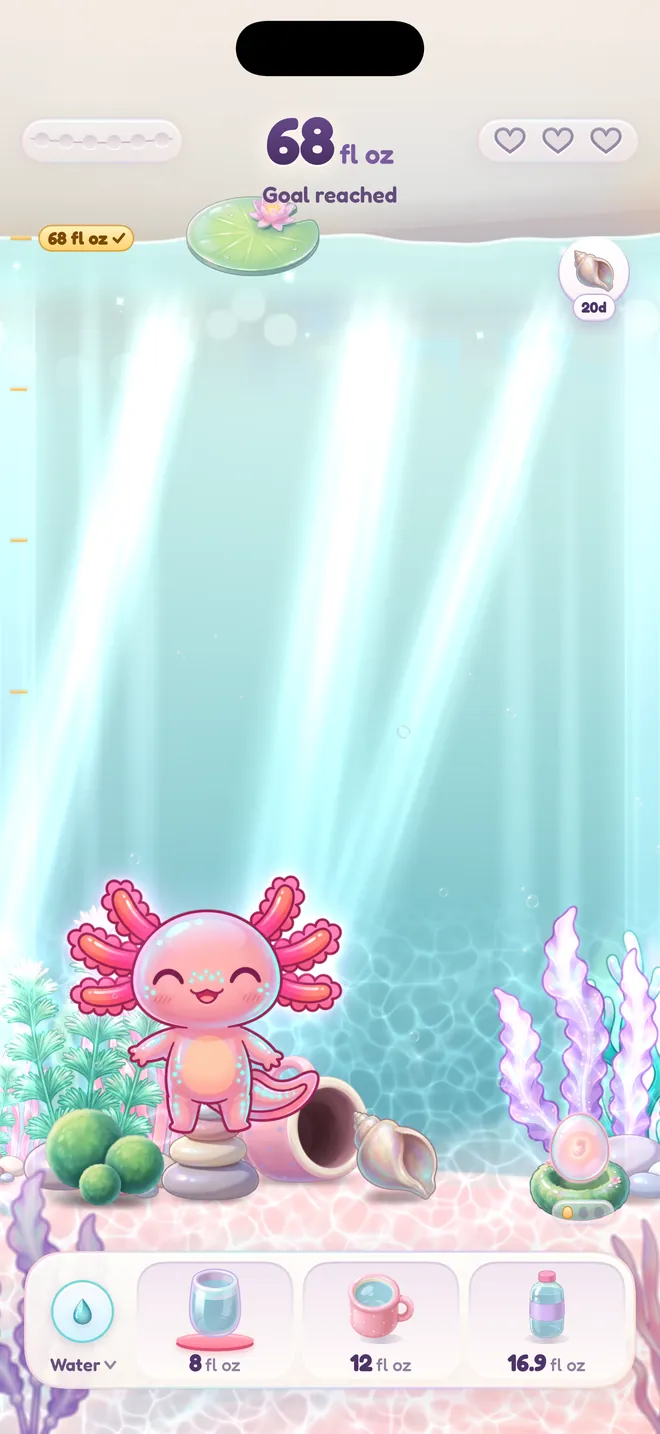
Every morning starts with an empty tank, and your goal fills it. Spread your drinks through the day and your axolotl's gills open wider and brighter, until the whole tank glows.
For iPhone, iPad and Apple Watch
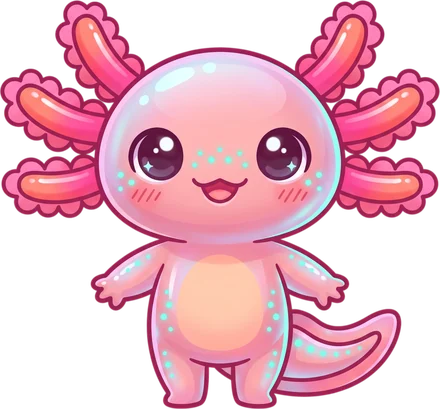
Hydrolotl turns every glass you drink into a fuller tank and a happier axolotl. Log a drink in one tap, keep a gentle rhythm through the day, and watch your little friend glow.
How it works
Tap a glass in the app, on a widget, with Siri or on your Apple Watch. Water, tea, matcha, coffee, milk or sparkling water.
Each drink raises the water in your axolotl's tank. Reach your daily goal and the tank is full to the brim.
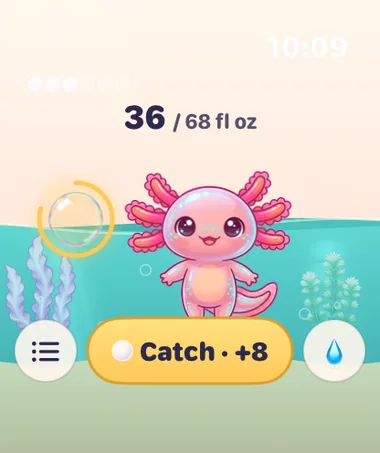
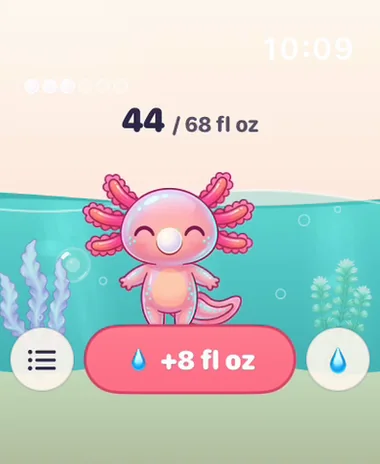
A drink of 150 ml (5 fl oz) or more blows a bubble. Drink again while it floats and it turns into a pearl.
Your day in water
Every morning starts with an empty tank, and your goal fills it. Spread your drinks through the day and your axolotl's gills open wider and brighter, until the whole tank glows.
Pearls and eggs
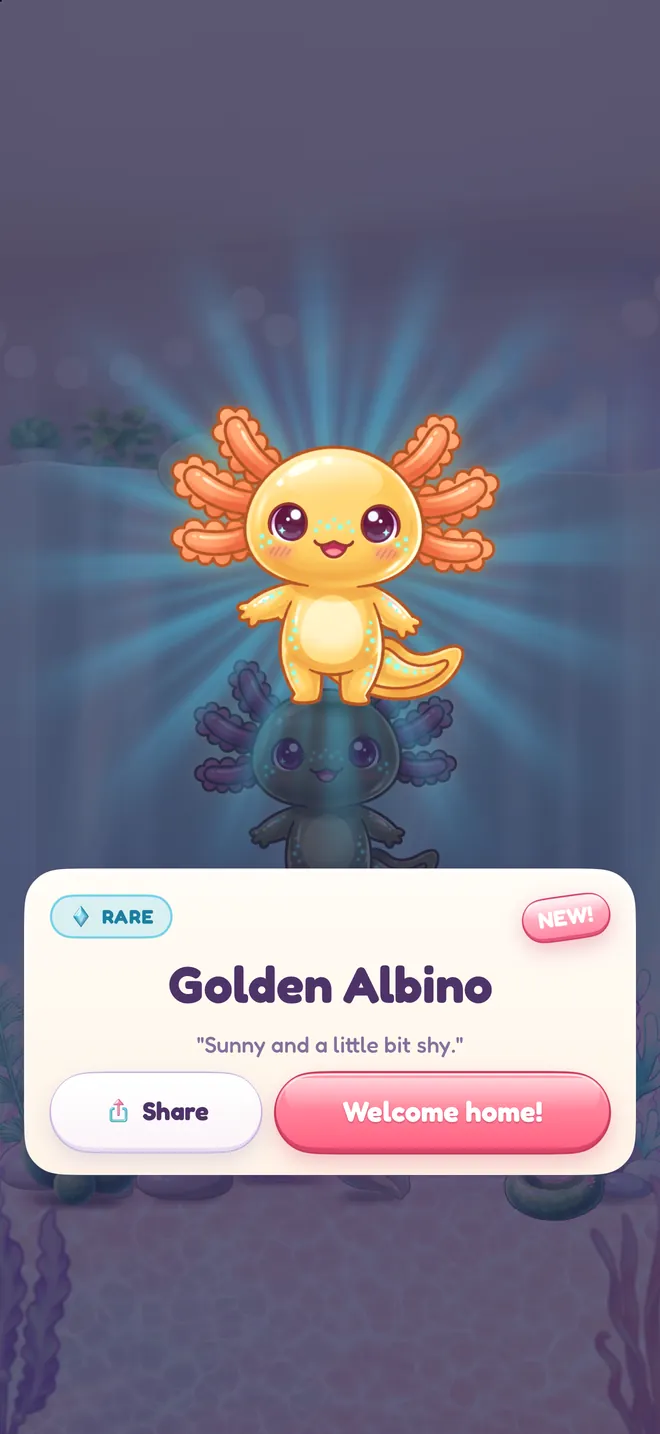
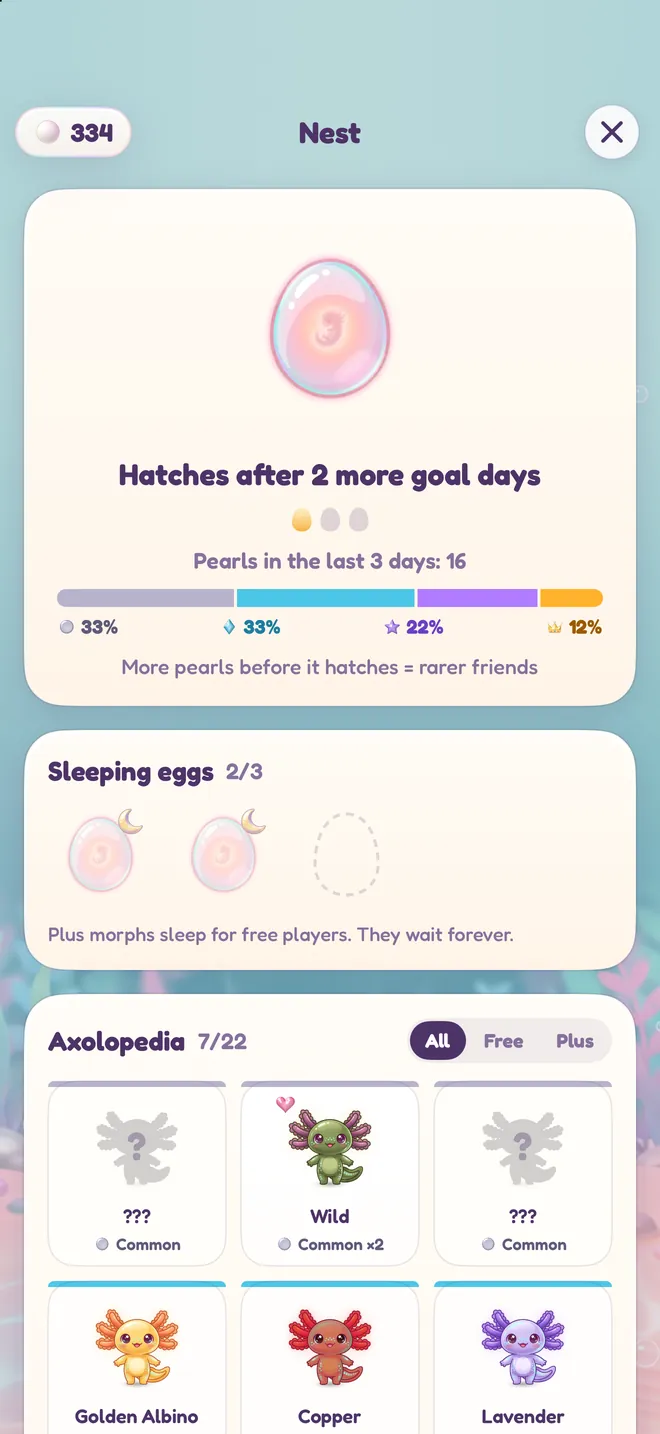
Pearls collect in the Nest, where an egg waits for your goal days. The more pearls it gathers before it hatches, the rarer the friend inside. There are 22 colour morphs to find, from wild and pink to the rare golden albino.
Make it home
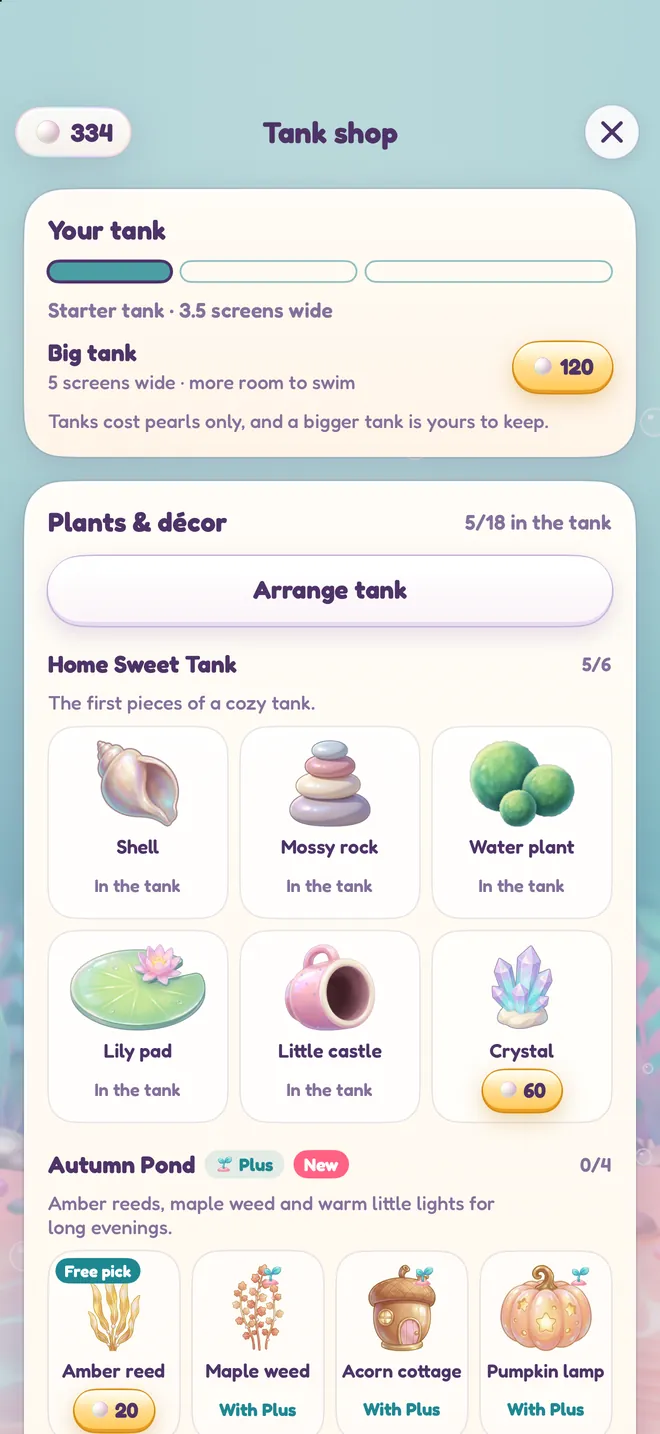
Swipe along a tank that is several screens wide, and tilt your phone to make the water slosh. Spend pearls on plants, décor and bigger tanks, then arrange every piece yourself. Your axolotl will hide in them, swim through them and rest on them.
Night
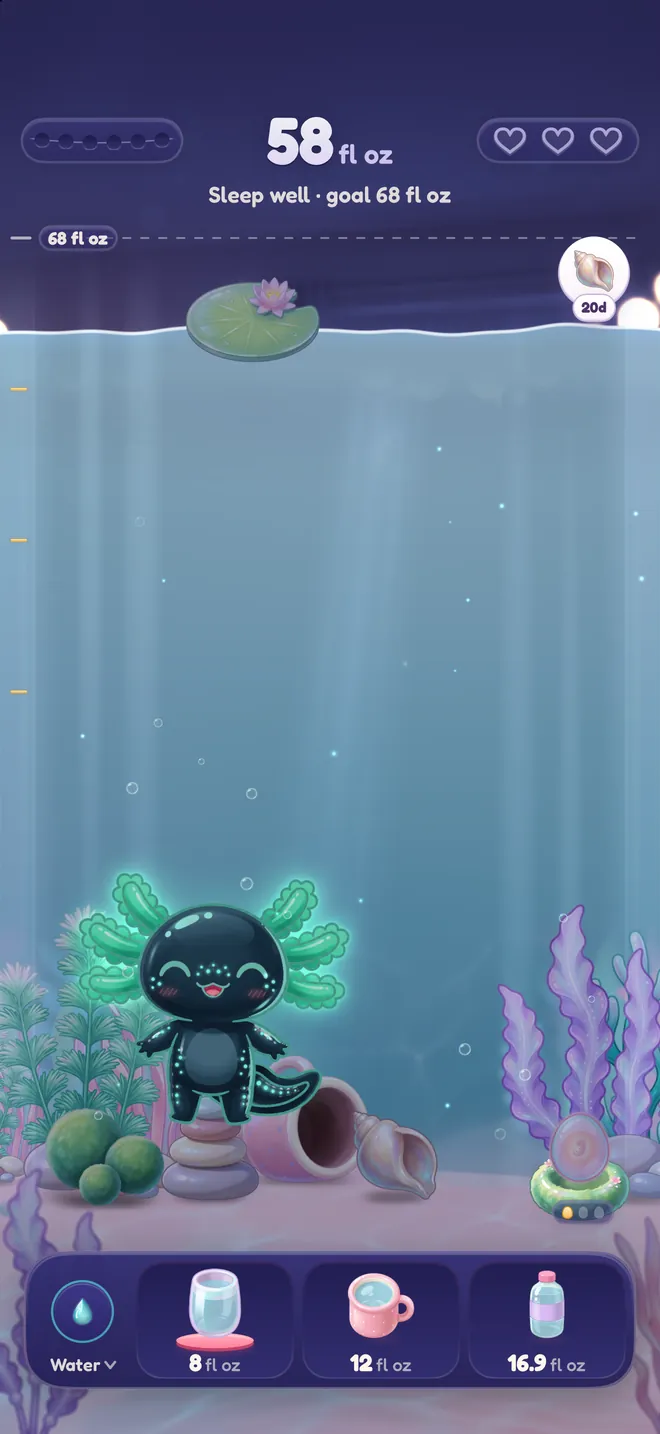
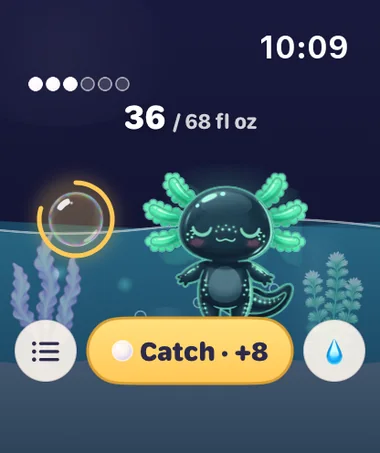
In the evening the tank turns soft and dark, and your axolotl settles in for the night. Some morphs glow in the dark. Tap the night light to give the water a new colour.
Your week
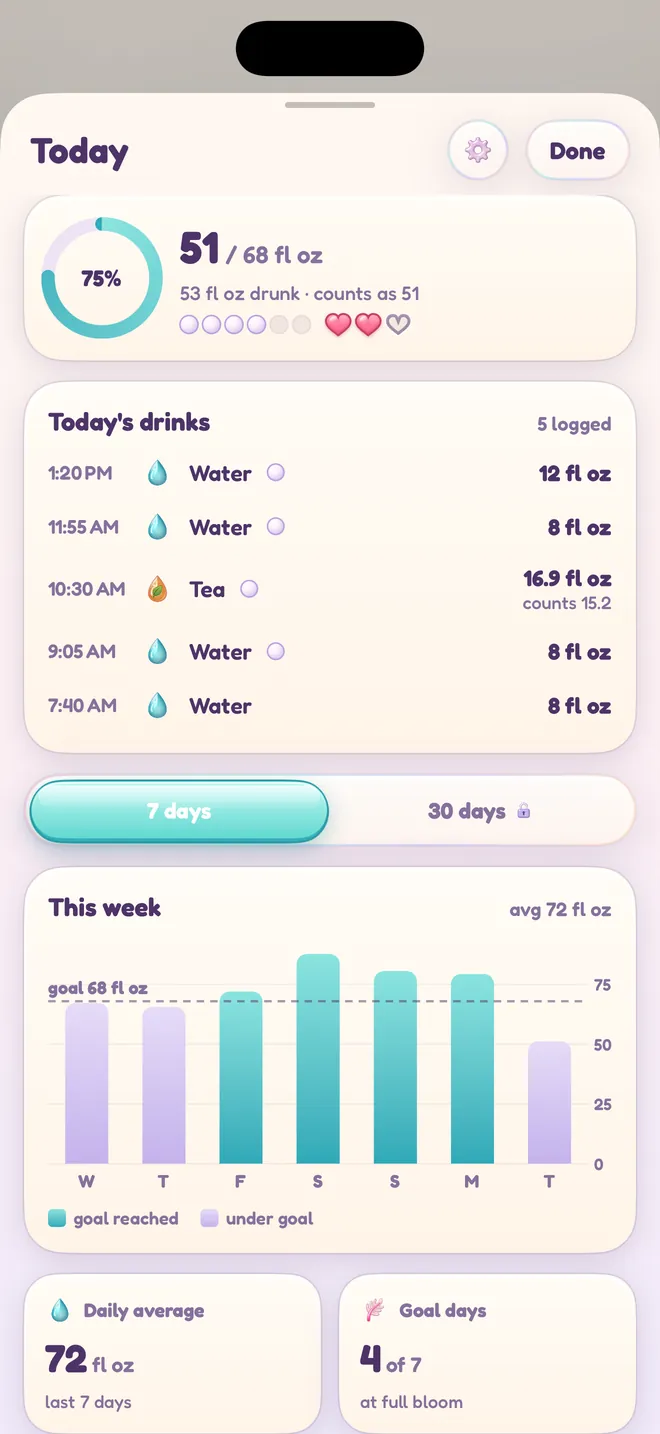
See today's drinks with their times, your progress towards the goal and how the last seven days went. Tea, coffee and milk count too. With Hydrolotl Plus you also get 30-day trends.
Apple Watch
Log a drink without taking out your phone. The Watch shows your water, your pearls and your axolotl, by day and by night.
Log from anywhere
Home Screen and Lock Screen widgets show today's water and log a glass right where they are.
Your bubble waits in the Dynamic Island and on the Lock Screen, so you can see when the next drink catches a pearl.
Say “Log a glass in Hydrolotl” when your hands are full.
Add a drink from Control Center, or put it on the Action Button.
Water and caffeine go to Apple Health, and water logged in other apps comes back in.
Your log follows you between your iPhone and iPad, in your own private iCloud.
How much water?
Health authorities give adequate intakes: amounts that cover the needs of most healthy adults. They count all water, from drinks and from food.
Hydrolotl suggests a goal that follows the European guidance, and you can change it. You need more in hot weather, when you exercise, and when you are pregnant or breastfeeding. Hydrolotl is not a medical app: if your doctor has given you a fluid limit, follow it and set it as your goal.
Kind by design
A missed day never resets your progress. Your axolotl is right where you left it, happy to see you.
Pearls come only from drinking. Hydrolotl Plus adds things to collect, but it never makes anyone grow faster.
VoiceOver describes the whole tank in one clear sentence, Reduce Motion is respected, and the app speaks 34 languages.
Privacy
The App Store privacy label for Hydrolotl reads Data Not Collected. Your drinks stay on your device and, if you turn on sync, in your own private iCloud. There is nothing to sign up for.
Pricing
Monthly, yearly with a free week, or a one-time lifetime purchase.
The App Store shows the prices in your currency. Subscriptions renew until you cancel them in your Apple Account settings. Terms of use
Yes. Tracking your water is free, with no ads and no time limit. Hydrolotl Plus is optional and adds rare morphs, a monthly plant and décor pack and 30-day trends.
Nothing bad. Progress never resets, and your axolotl is waiting where you left it. The next drink picks up where you stopped.
Water, tea, matcha, coffee, milk and sparkling water. Hold a glass, mug or bottle to change its size.
Yes, if you allow it. Hydrolotl can save the water and caffeine you log to Apple Health and read water from it, so your totals match. Health data is never sent to us.
No. Everything works on the iPhone alone. On Apple Watch you can pour with the Digital Crown, log with Double Tap and catch pearls from a notification.
iPhone and iPad with iOS 17 or later, and Apple Watch with watchOS 10 or later.
Blog
EFSA's adequate intake is about 2 liters a day for women and 2.5 for men, food included. What it means, what raises it, and how to set your own goal.
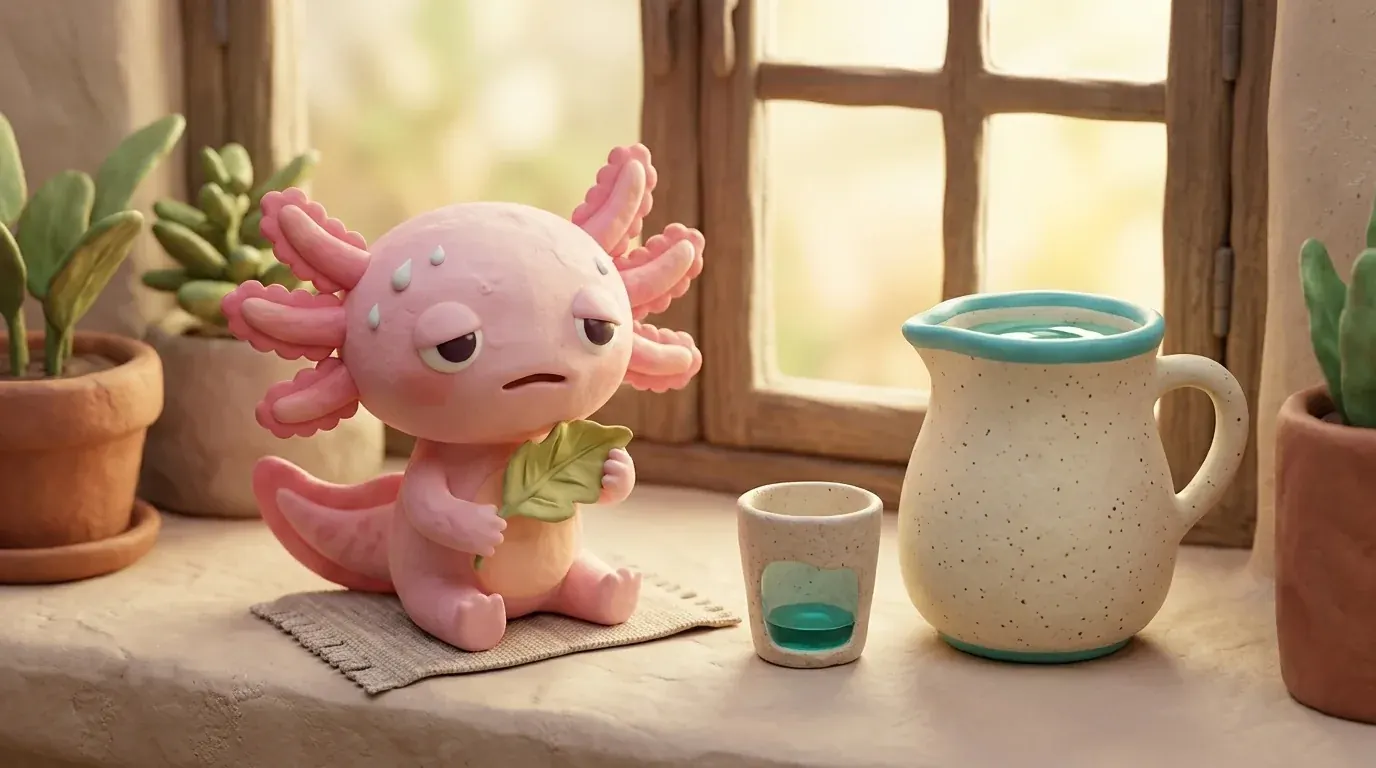
The common signs of dehydration in adults, children and babies, who is most at risk, what to do, and which symptoms mean you need help fast.
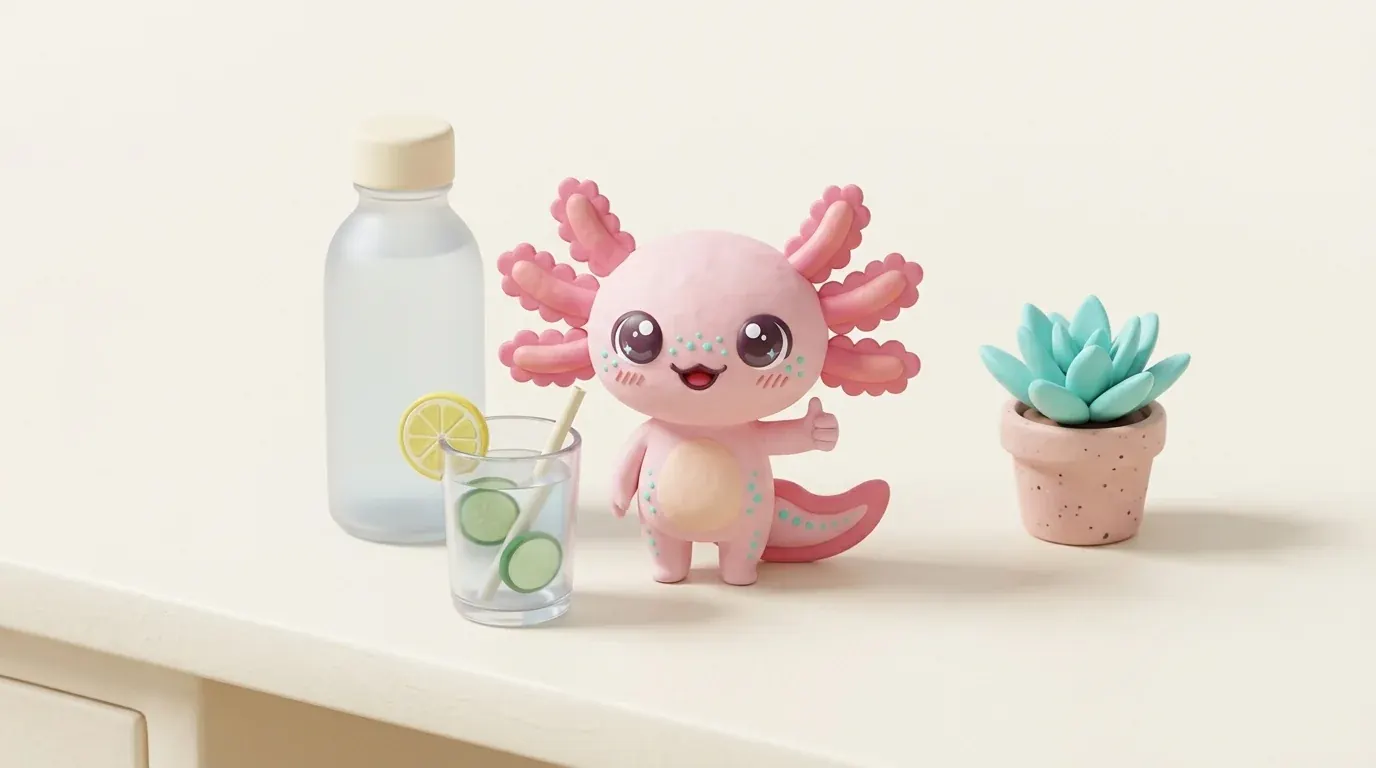
Practical ways to drink more water that are backed by health guidance: keep a bottle in sight, drink with meals, tie water to routines, give it time.
Press
The press kit has the app icon and the App Store screenshots, and the key art pack has text-free illustrations. Both may be used in coverage of the app.
Press and partnerships: support@chili-logic.com
Free on the App Store for iPhone, iPad and Apple Watch.

Questions? support@chili-logic.com